
 Alarma de fondeo
Primeros pasos
Qué hacer en sus primeros cinco minutos con AnchorQueen.
1. Pantalla de inicio
Al abrir la aplicación verá la pantalla de inicio durante unos segundos
mientras se preparan la carta y los servicios.
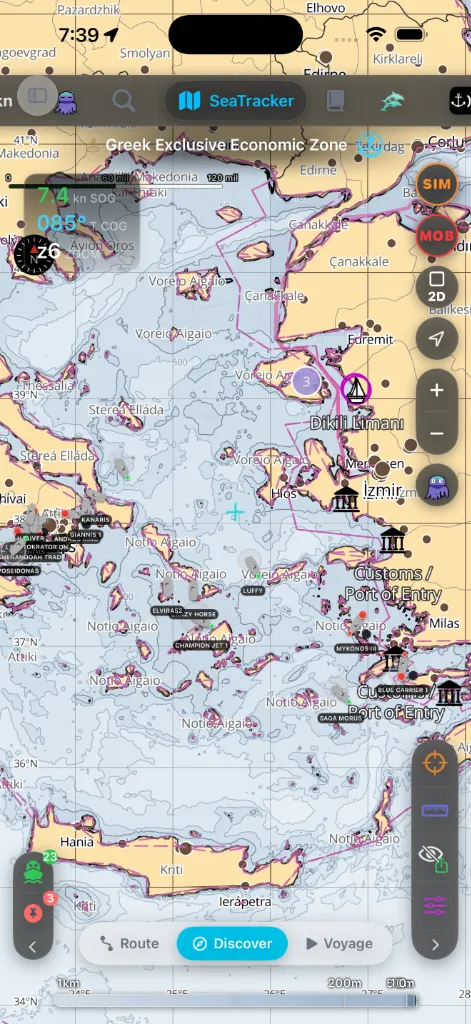
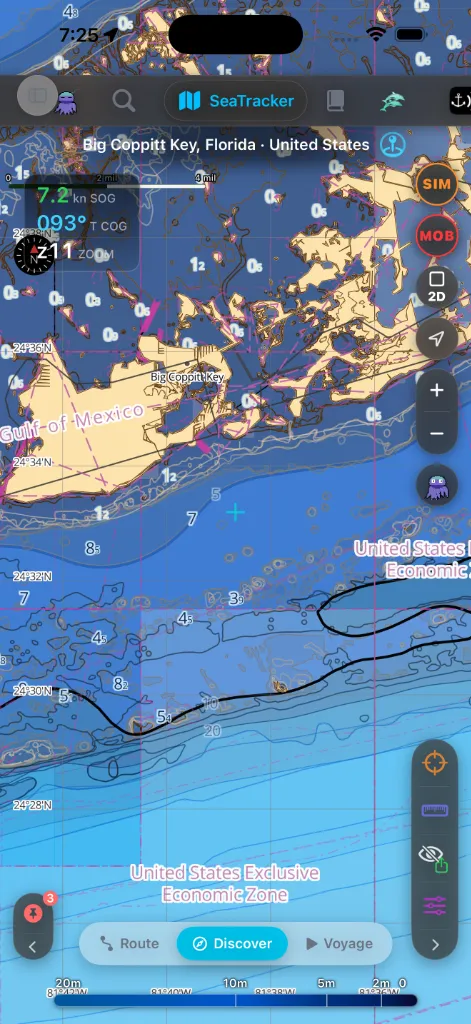
Cuando desaparece, aterriza en la carta SeaTracker, en el
2. Conceda los permisos
AnchorQueen pide la ubicación en dos pasos, y nunca antes de decirle por qué.
Paso uno: «AnchorQueen necesita tu posición». Tras la pantalla de inicio,
una breve pantalla explicativa expone para qué se usa la posición: dibujar su
barco en la carta, vigilar el círculo de borneo y registrar rutas y travesías.
Toque Continuar y iOS pedirá acceso a la ubicación; elija Mientras se usa
la app (o Siempre, si iOS lo ofrece aquí). Si toca Ahora no, la carta se
abre igualmente: sencillamente no tendrá posición propia hasta que lo permita.
Paso dos: el acceso en segundo plano, al armar la guardia de fondeo. En
cuanto dé fondo y fije un radio de guardia, iOS
preguntará si AnchorQueen puede usar su ubicación Siempre. Permítalo. Un
barco fondeado garrea de noche con la pantalla apagada y la app suspendida, y
solo el acceso en segundo plano permite que la alarma siga comparando su
posición con el círculo de borneo — y que iOS reabra la app en su geocerca.
Mientras se usa no basta: la guardia enmudece en cuanto abandona la app.
(Consulte
Resolución de problemas: la alarma no sonó
si lo rechaza.)
Lo que cuesta el acceso en segundo plano. El uso continuado del GPS en
segundo plano puede reducir drásticamente la duración de la batería. AnchorQueen
lo dice en la primera pantalla explicativa y de nuevo en el panel donde da fondo,
y mantiene el GPS activo solo mientras hay una guardia de fondeo, una grabación
de travesía o una navegación activa — nunca por el mero hecho de estar instalada.
Consulte [Solución de problemas: la batería se agota durante la
noche](troubleshooting.html#battery).
Otros dos permisos importan:
meteorológicos puedan llegarle.
funcionando entre usos.
Si se saltó algún aviso, Ajustes muestra lo que falta y le
lleva a la página de Ajustes de iOS para corregirlo. Nada en la aplicación le obliga a ir a Ajustes en el primer arranque: siempre
puede decidirlo más tarde.
> Un cuarto permiso de Alertas críticas —para alarmas que suenan incluso
> en Silencio / Concentración— está previsto para una versión posterior.
Todavía no está activo.
3. Descarte los avisos del primer arranque
En una instalación nueva, la versión gratuita muestra anuncios, así que justo
después de los avisos de permisos verá dos diálogos más:
personalización de anuncios (mostrada donde su región lo exige). Puede
cambiarlo más tarde en Ajustes.
que AnchorQueen siga tu actividad…». La decisión es suya; la aplicación
funciona en cualquier caso.
Una suscripción PRO elimina los anuncios y ambos
avisos.
4. Instale una región de cartas
AnchorQueen funciona primero sin conexión: las cartas provienen de
regiones que usted descarga, no de una conexión en directo. Hágalo con wifi
antes de largar amarras.
o regiones que cubren su zona de crucero.
cuenta unas cuantas plazas de región sin coste.
Sin una región descargada, la carta recurre a un mapa base de poco detalle y
no mostrará sondas sin conexión; consulte
Resolución de problemas: la carta no carga sin conexión.
5. Inicie sesión (recomendado)
Consultar cartas funciona sin sesión iniciada, pero una cuenta de capitán
gratuita desbloquea la sincronización de embarcaciones, la
Caja fuerte de documentos, la firma de marcas
comunitarias y la gestión de sus suscripciones entre
dispositivos.
Abra la pestaña Capitán y pulse Crear cuenta (o Iniciar
sesión con Apple / Google donde esté disponible).
6. Haga el recorrido
La aplicación se enseña sola sobre la marcha; busque dos señales:
marcan funciones que aún no ha usado. Pulse uno y una breve burbuja de
consejo explica qué hace; después el punto desaparece.
con el botón de Buscar (la lupa), cambie a la pestaña Funciones y
deje el cuadro vacío: enumera todas las funciones con consejo para que pueda
saltar directamente a una. Detalles en
Después repase lo esencial:
lateral, los controles del mapa y el botón de hombre al agua compartidos por
todas las pestañas.
7. Eche su primer fondeo
embarcación.
por la deriva del GPS.
Todo el detalle está en SafeAnchor.
Si algo sale mal
Resolución de problemas: la aplicación no carga.
Resolución de problemas: permisos.